Legal & Security
Automate privacy & security questionnaires and stop the endless copy-pasting for reviews. Empower your team to answer complex security and compliance questionnaires in minutes, not weeks, and unblock the business.
Get started

500+ legal teams have saved millions of hours with Wordsmith.
Automate privacy reviews in minutes, not weeks
Transform your time-consuming privacy and security questionnaire process into a simple, automated workflow in 3 simple steps:
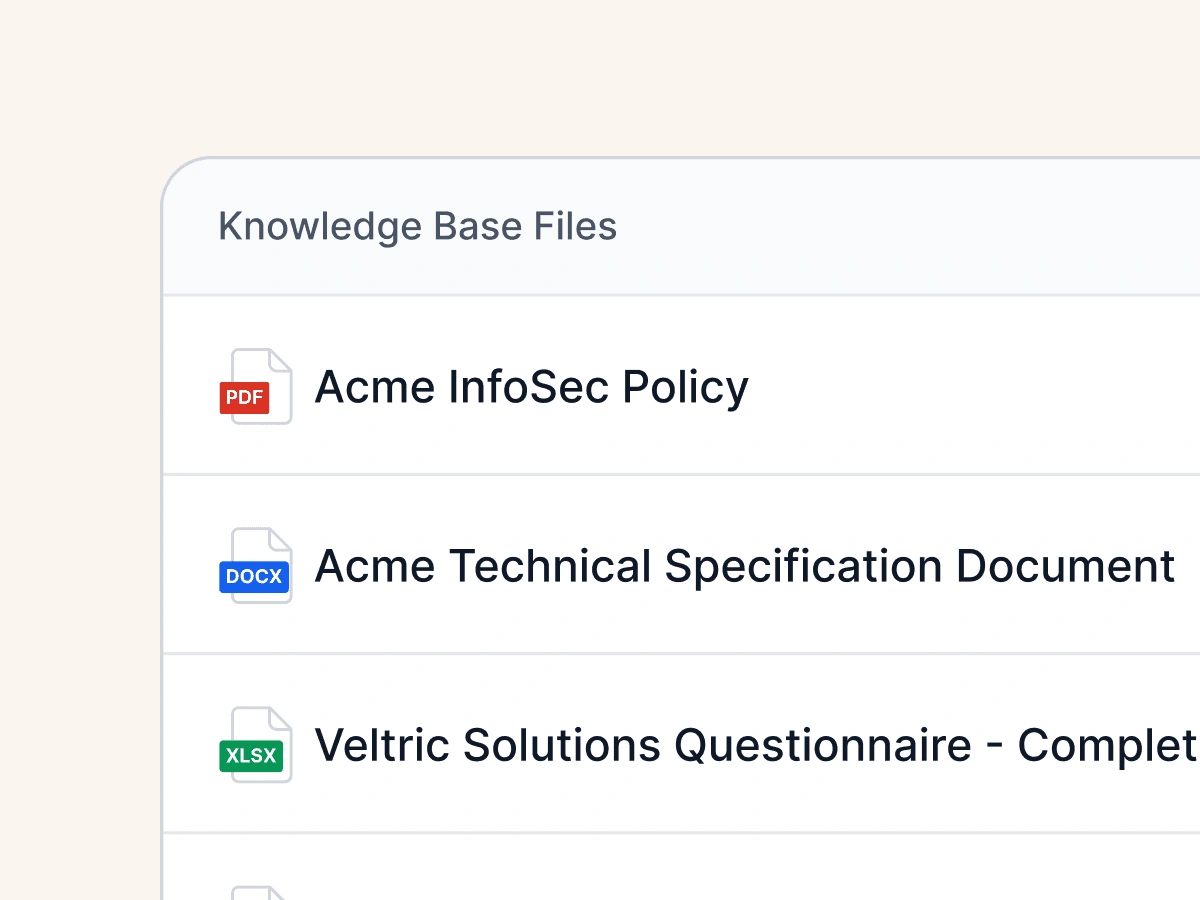
Step 1: Upload your knowledge
Upload historical privacy assessments, security documentation, and past questionnaires to create a centralized knowledge base.
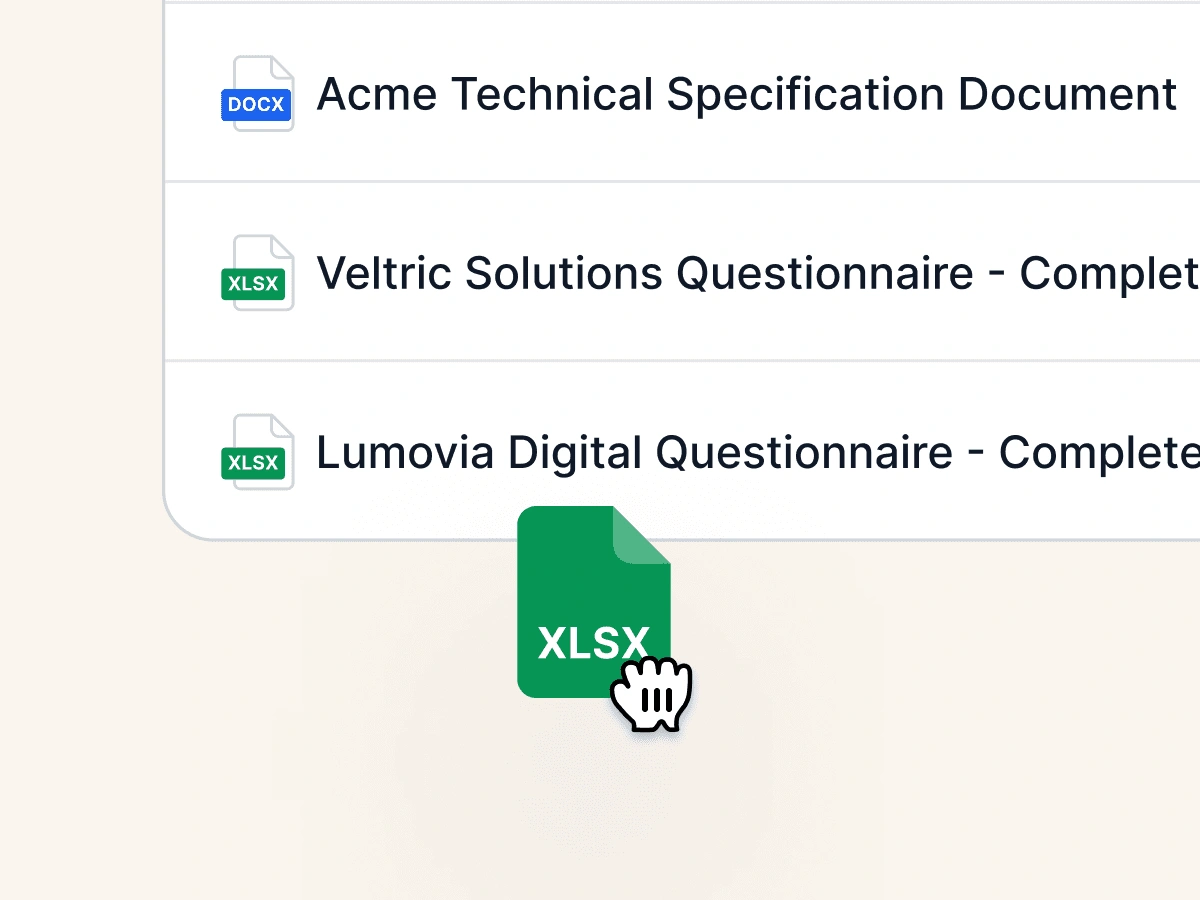
Step 2: Submit a new questionnaire
Drop in any new privacy or security questionnaire, in formats like Excel, Word, or PDF.
Step 3: Get Instant, Accurate Answers
Wordsmith instantly fills out the questionnaire with approved, consistent answers, directly in the original format.
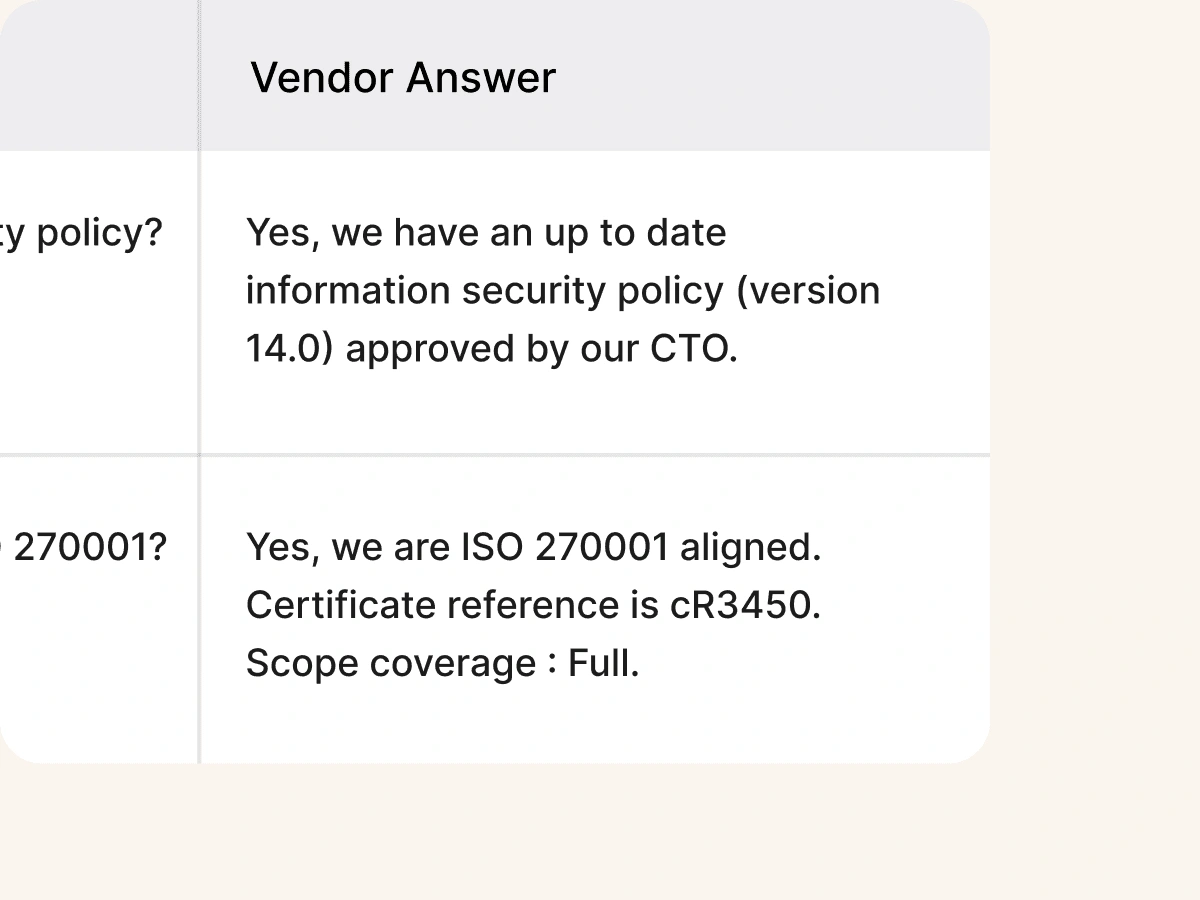
Answers directly in their spreadsheet
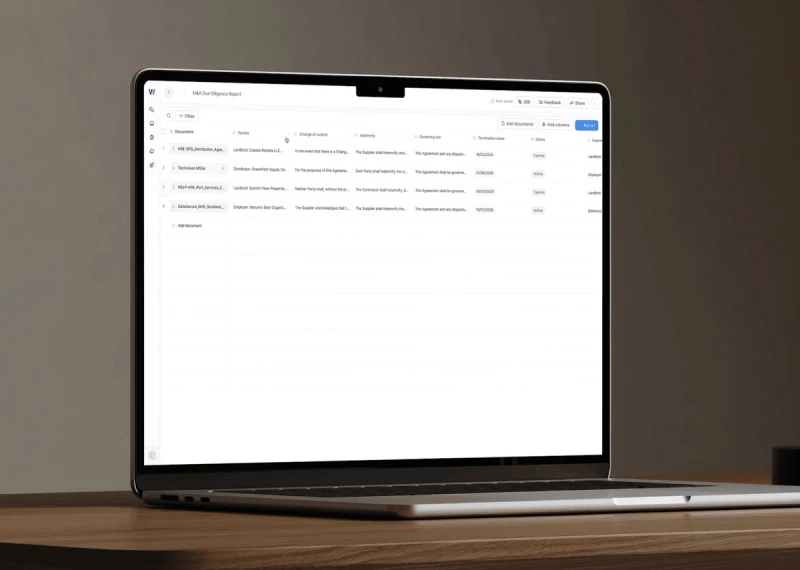
No more copy-pasting. Wordsmith fills out answers directly in Excel, maintaining all original formatting, comments, and data validations.
Explore contract review
Trained on your privacy positions
Wordsmith builds a secure knowledge base from your past privacy reviews, DPAs, and security policies. It learns your specific legal language and compliance positions to provide answers you can trust.

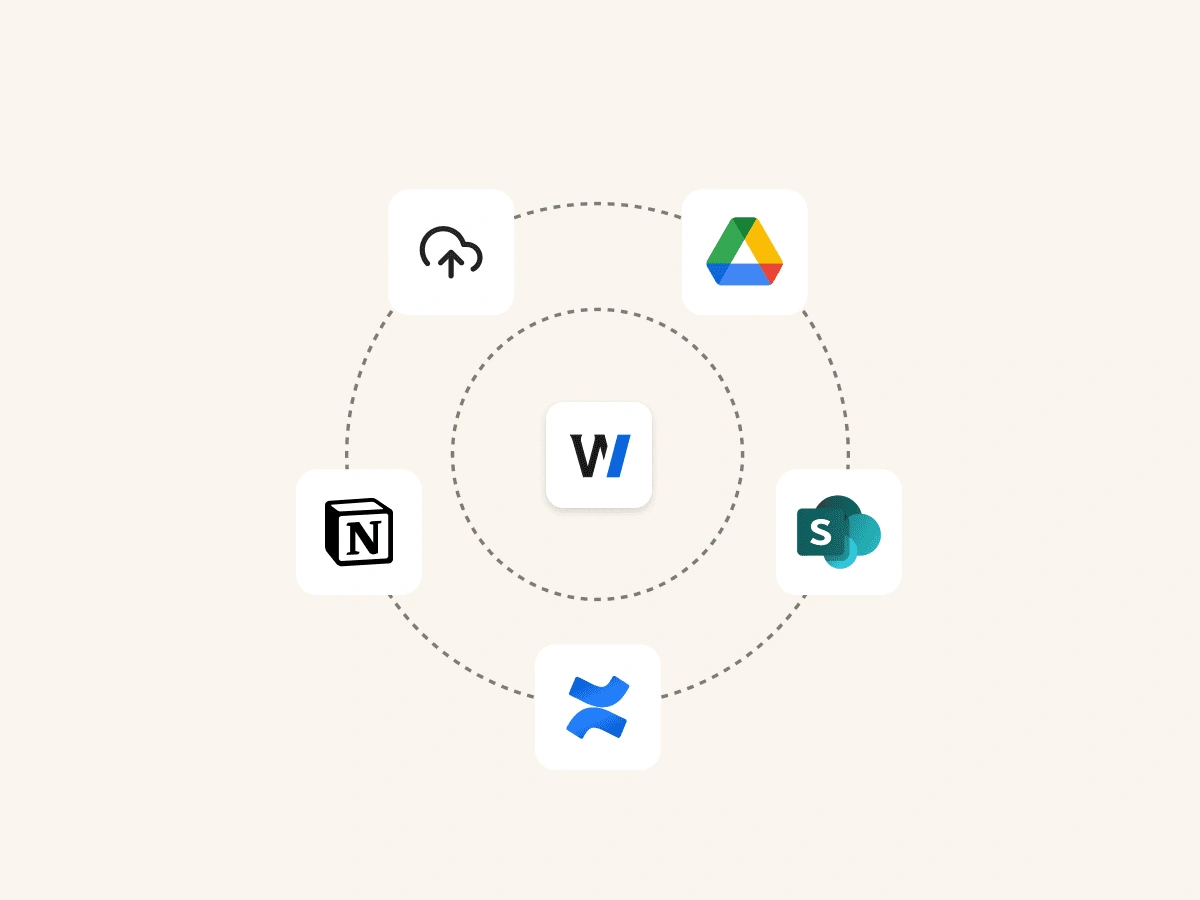
Connects to your internal data
Go beyond uploaded files. Securely connect to Confluence, SharePoint, Notion and Google Drive to ensure your privacy responses are always aligned with your latest internal policies and documentation.

So simple, anyone can use
Empower other teams to handle initial privacy questionnaire drafts. A simple drag-and-drop interface means no complex implementation, freeing up the legal team from the initial grunt work.

Fine-tune and update responses
Legal has full control. Easily review, edit, and approve all AI-generated answers. Your feedback continuously improves the knowledge base, ensuring future privacy responses are perfectly aligned with your legal stance.

FAQ SECTION
Frequently asked questions
We've compiled the most important information to help you get the most out of your experience. Can't find what you're looking for? Contact us.