PRODUCT
Introducing Wordsmith for Microsoft Teams
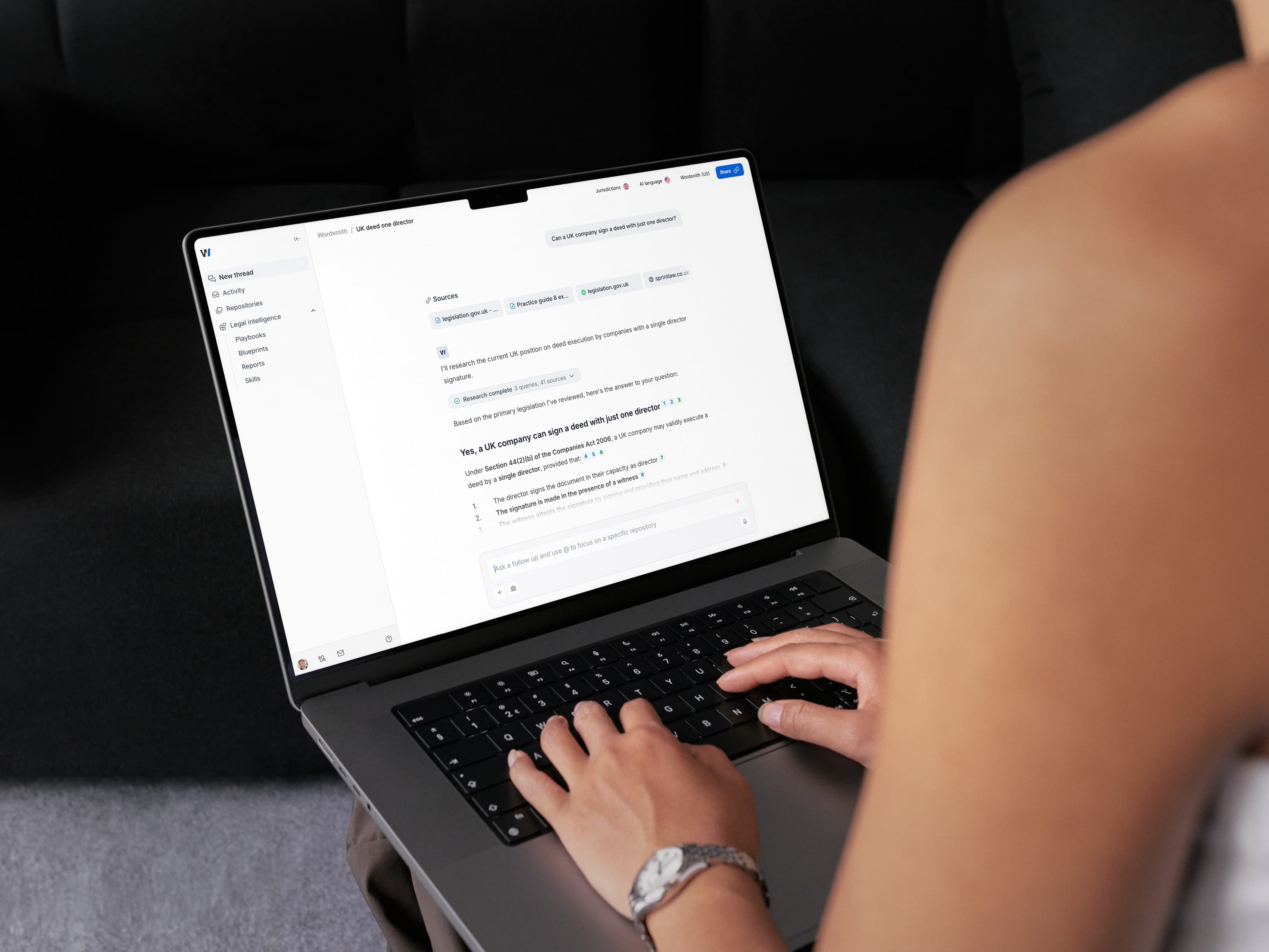
Help the business move faster with Wordsmith in Teams. Give employees access to legal support where they already work, with agents that can answer questions, help complete legal work and operate under Legal's guardrails.
Bringing legal support into the conversation
Legal requests often begin in everyday conversations across the business. Sales needs help with a customer agreement, HR wants guidance on a policy, or Procurement needs a contract reviewed. Often, those conversations are already happening in Microsoft Teams.
For employees, getting legal support can mean leaving the conversation, submitting a request or finding the right person to contact. Each additional step can slow down the work they're trying to complete. For Legal, requests spread across channels and individual messages can be difficult to manage alongside the rest of the team's workload. Bringing legal support into Teams helps employees get assistance where they need it, while giving Legal control over how that work is handled.
Wordsmith is now available in Microsoft Teams
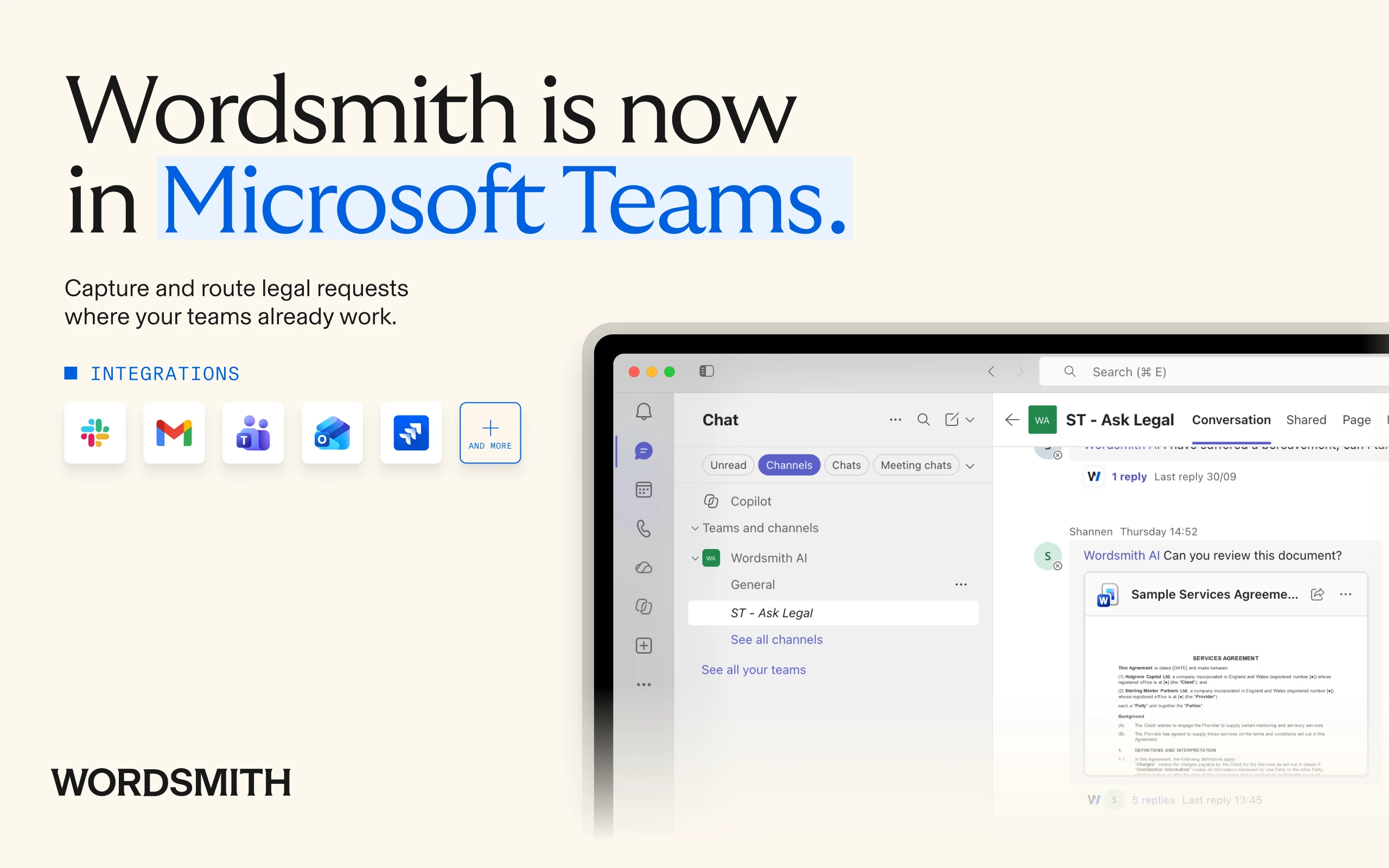
Today, we're announcing that Wordsmith is available through the official Microsoft Teams Store, bringing Wordsmith agents directly into the conversations where employees already work.
Employees can ask agents questions in channels, group chats and direct messages. Legal teams can link agents to specific channels and configure which agents respond in other conversations. When someone mentions Wordsmith in a linked channel, the agent responds in the same thread. Colleagues with the appropriate access can continue the conversation, ask follow-up questions and work with the same agent.
This reduces the steps employees need to take to get legal help, so questions can be addressed and work can progress without leaving Teams.
Give Legal control over how agents work
Making legal support more accessible also means deciding where agents should operate and what they're responsible for. With Wordsmith, administrators can link specific agents to Teams channels, choose which agents respond to direct messages and set default agents for channels and group chats.
Agents can work from Legal's playbooks and instructions, helping employees with routine legal work while escalating matters that require a lawyer's judgment. The new Teams app also introduces more granular Microsoft permissions, with individual Team owners controlling access to messages in their Teams. This allows Legal to extend support across the business while maintaining control over how agents operate.
Connect requests to the wider legal workflow
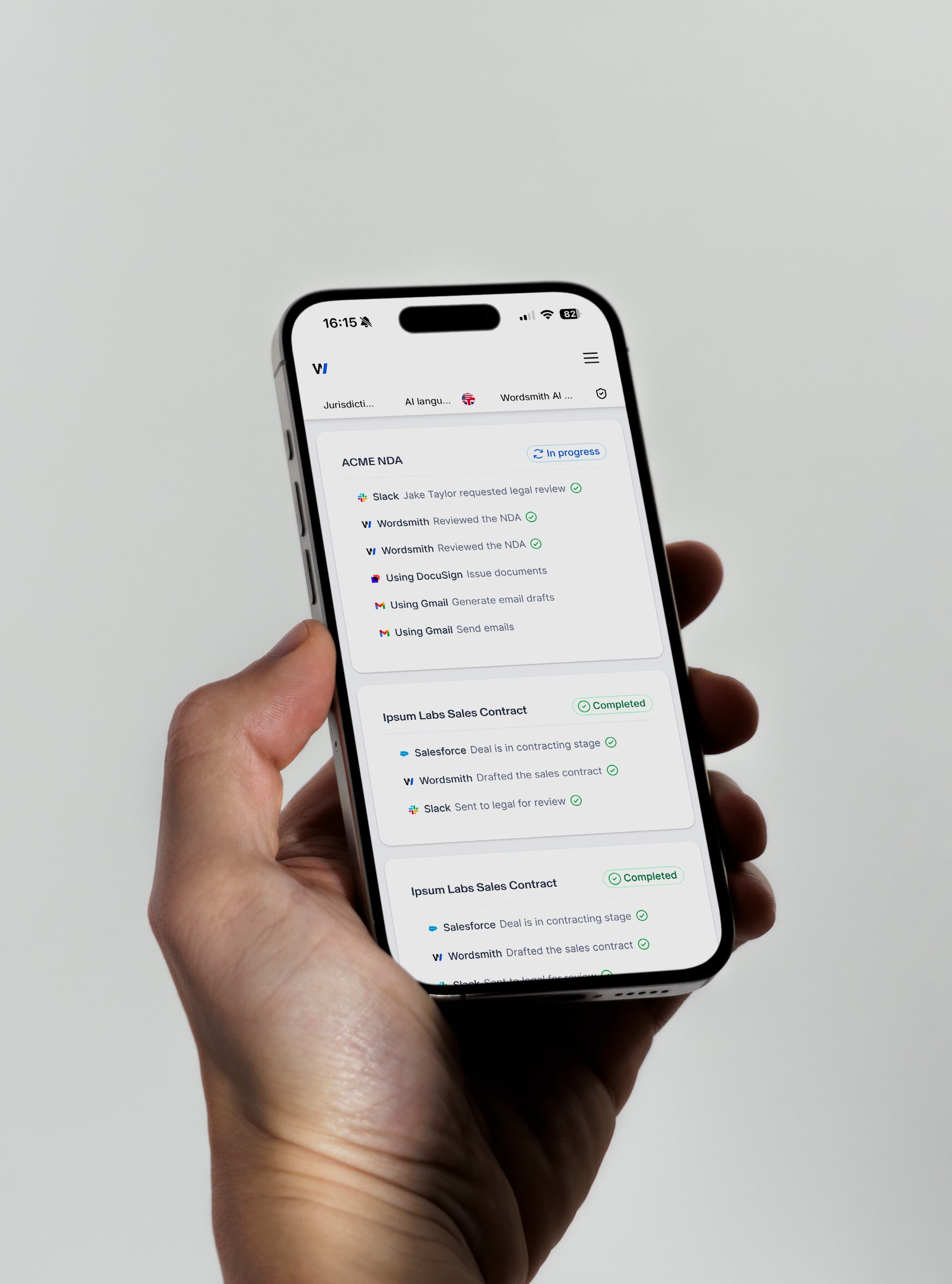
Answering questions is one part of how Legal supports the business. Requests can also require document review, drafting, approvals and decisions from different people. Wordsmith brings these capabilities together in one platform, connecting incoming requests with the agents, workflows and lawyers needed to handle them.
Microsoft Teams provides another way for employees to access that support. The wider Wordsmith platform helps Legal manage the work behind those interactions, from the initial request through to resolution. The aim is to make legal support easier to access while allowing lawyers to spend more time on work that needs their expertise.
What's coming next
We're continuing to develop how Wordsmith works within Microsoft Teams. In November, we're beginning to enable agents to respond to relevant messages in linked channels without requiring an @mention. This will be available to customers after they've installed the new Teams Store app.
We're also testing interactive forms and approvals within Teams. These will allow employees to answer agent questions, provide information and approve actions directly in a conversation, with the agent continuing from there. Both improvements will help reduce the back-and-forth involved in getting legal work done.
Help the business move faster
See how Wordsmith helps your team handle more legal requests directly in Microsoft Teams, giving employees faster access to legal support and lawyers more time to focus on work that needs their judgment.