The full power of Wordsmith. Right inside Word.

Lawyers live in Word. Wordsmith works there too. Review, redline, draft, research, and translate without ever leaving the document in front of you.
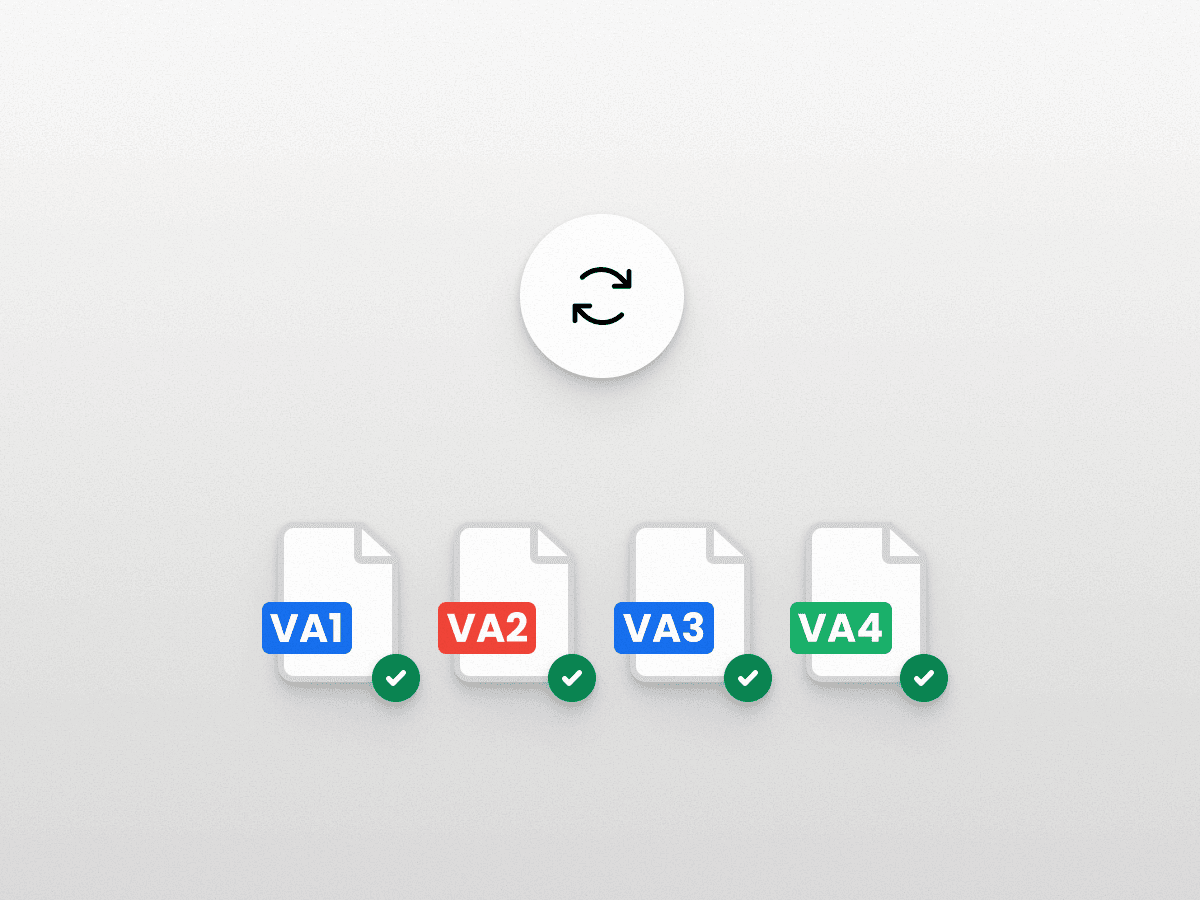
A contract arrives. You review it without leaving Word.

Open the document, open the add-in, run your playbook. Every clause checked against your positions, redlines proposed and explained. Who uses it: Commercial counsel, GC

You need a clause. You pull it from your library.

Type @ and the name of your repository. Wordsmith surfaces the approved clause in the right format, ready to insert. Who uses it: Commercial counsel, Privacy, Compliance

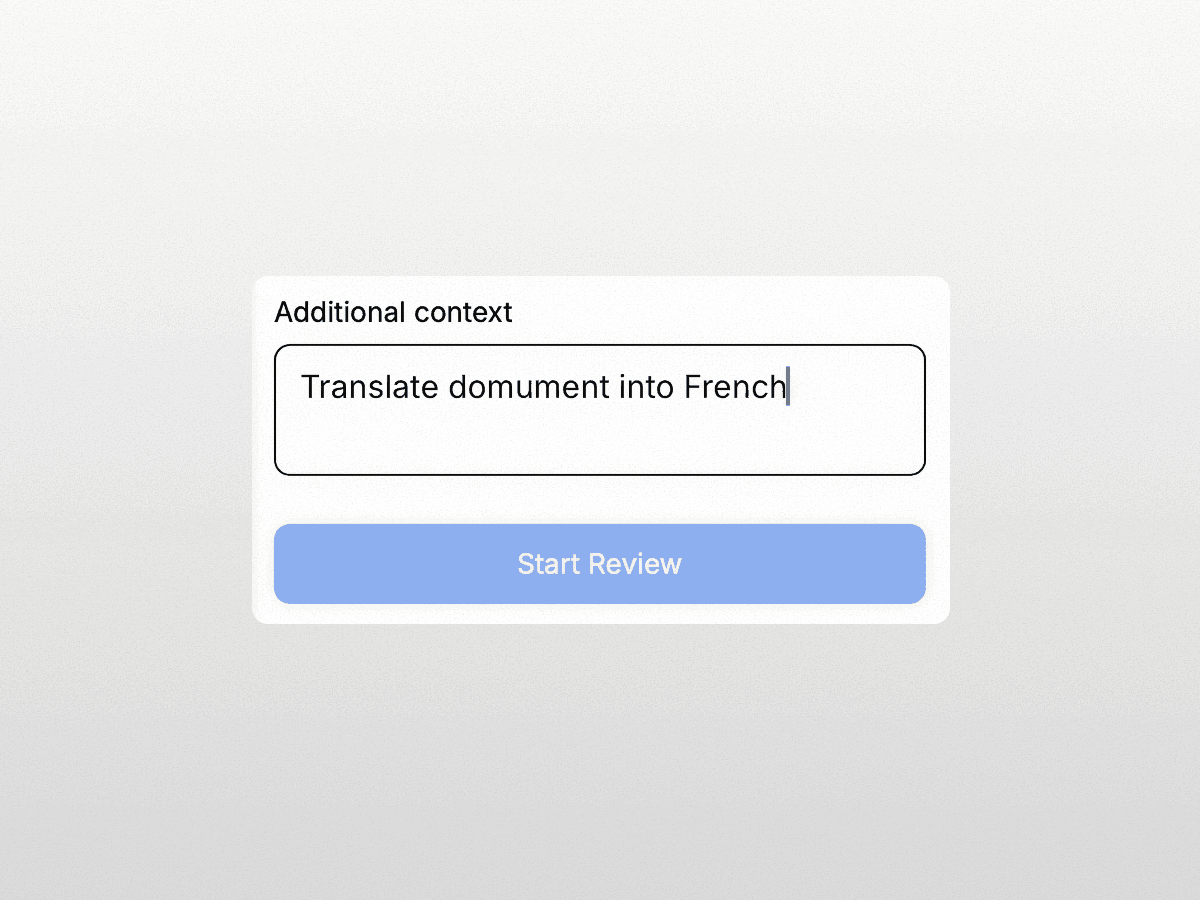
A document arrives in another language. You read it immediately.

Translate a clause or the full document without leaving Word. Ask Wordsmith what the translated provision means under the relevant jurisdiction. Who uses it: International counsel, GC, Legal Ops

You want to know how your team has handled this before.

Ask Wordsmith how liability caps have been handled across your repository. It surfaces the pattern and your team's standard position. Who uses it: Commercial counsel, Legal Ops, GC
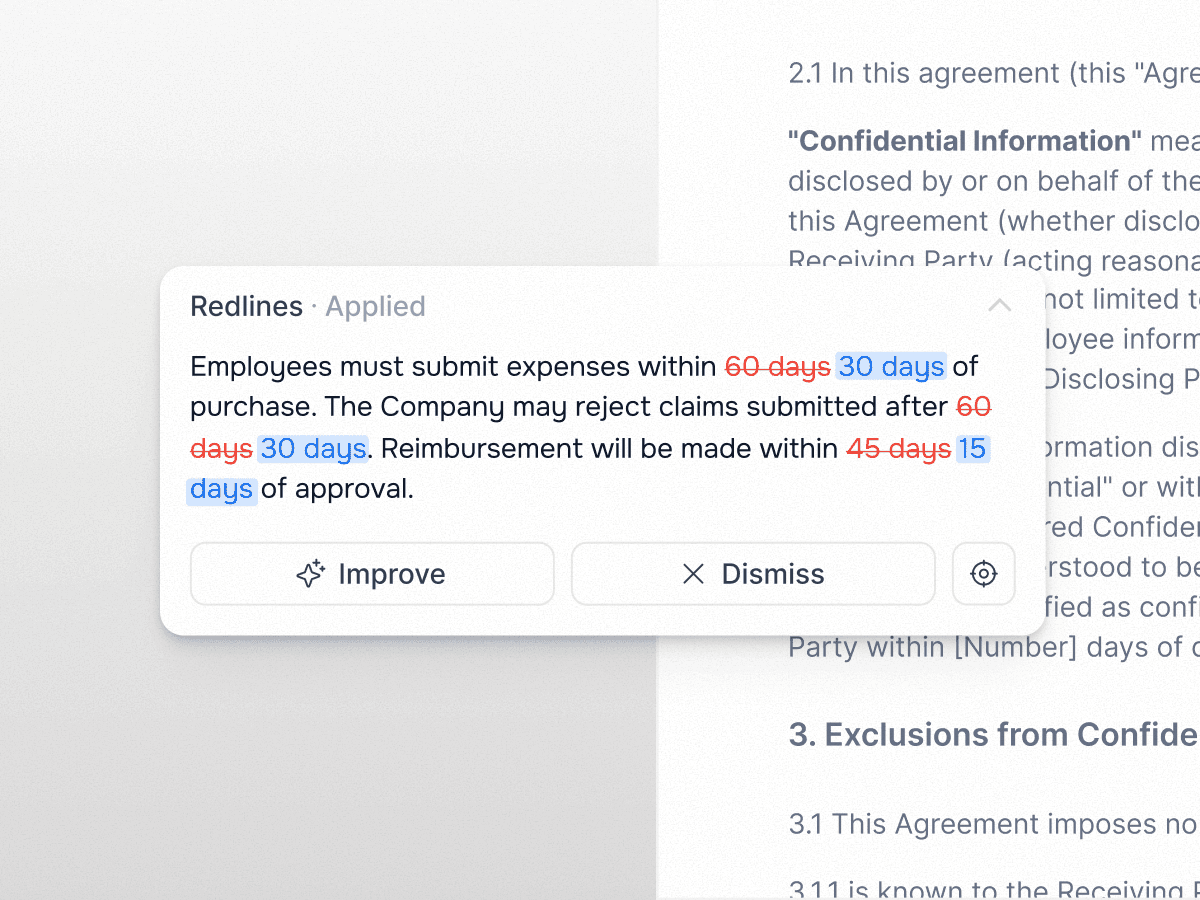
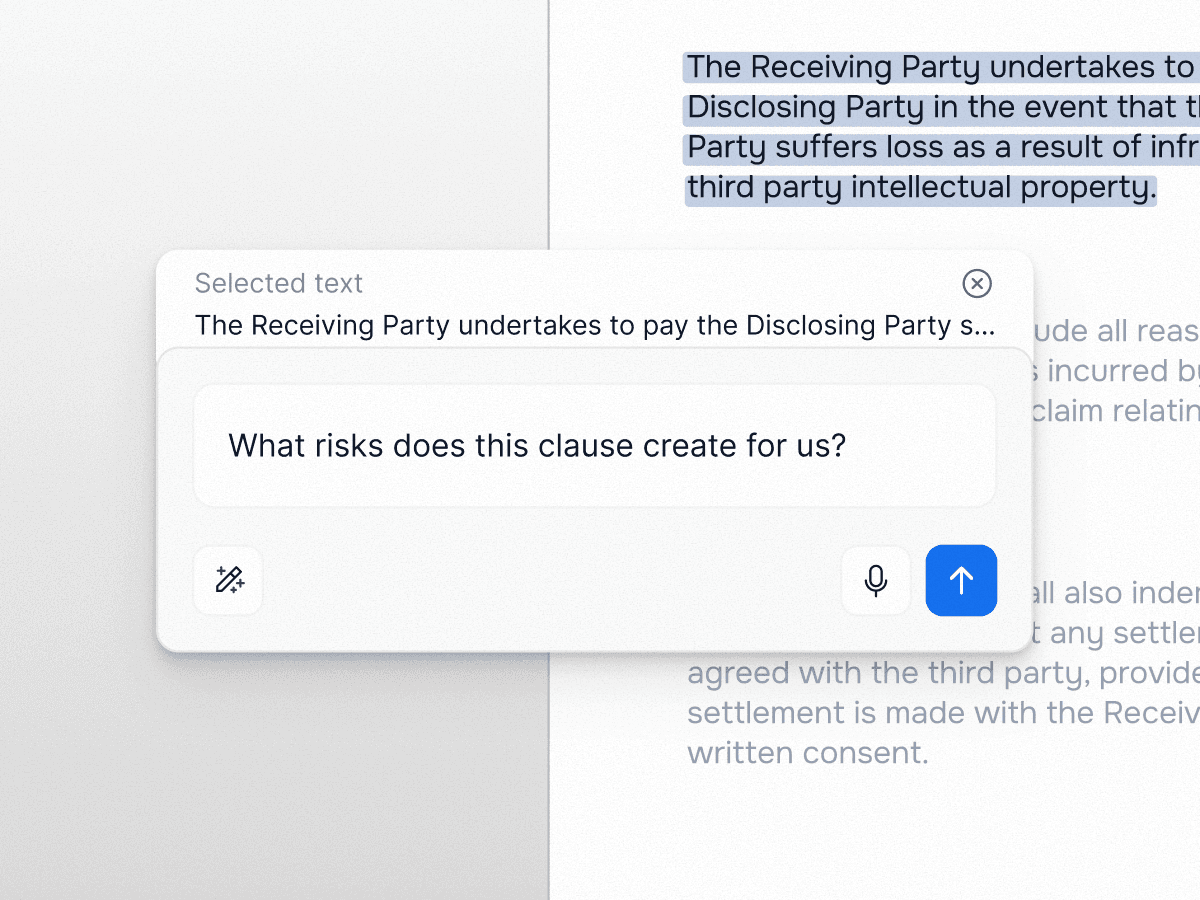
Review and redline. Without leaving the document.

Run your playbook directly against the contract in front of you. Accept, reject, or improve every redline in the sidebar. Ask Wordsmith to explain a clause, suggest an alternative, or apply your standard position.

Review and redline. Without leaving the document.

Run your playbook directly against the contract in front of you. Accept, reject, or improve every redline in the sidebar. Ask Wordsmith to explain a clause, suggest an alternative, or apply your standard position.

Draft and insert clauses from your approved library.

Query your repository with an @ mention and insert your approved clause language in one step. Need a full draft? Wordsmith drafts in the document, aligned to your positions and jurisdiction-aware.

Draft and insert clauses from your approved library.

Query your repository with an @ mention and insert your approved clause language in one step. Need a full draft? Wordsmith drafts in the document, aligned to your positions and jurisdiction-aware.

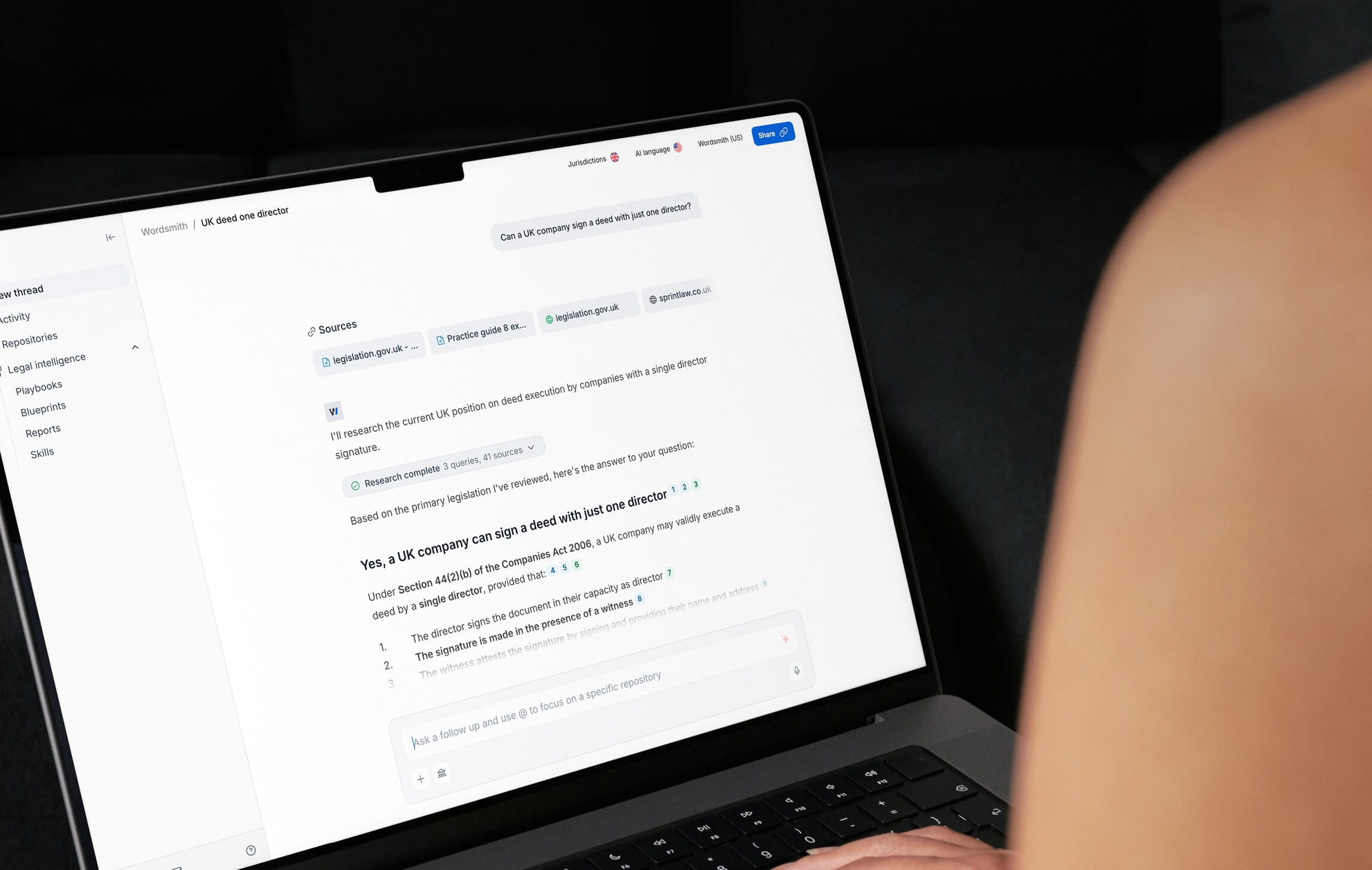
Research and translate. In the same sidebar.

Ask a legal question and get a cited, traceable answer drawn from your knowledge base, live legal sources, or both. Translate a clause or a full document into any language without leaving Word.

Research and translate. In the same sidebar.

Ask a legal question and get a cited, traceable answer drawn from your knowledge base, live legal sources, or both. Translate a clause or a full document into any language without leaving Word.

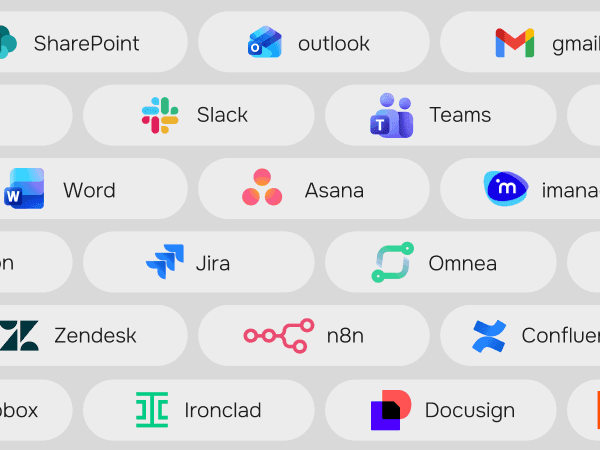
Your full Wordsmith intelligence. In every document.

Your prompt library, your repositories, your playbooks, your prior decisions: all accessible via @ mentions and direct queries. Ask Wordsmith how your team has handled a liability cap across your last 20 agreements. Everything the platform knows, available the moment you need it.

Your full Wordsmith intelligence. In every document.

Your prompt library, your repositories, your playbooks, your prior decisions: all accessible via @ mentions and direct queries. Ask Wordsmith how your team has handled a liability cap across your last 20 agreements. Everything the platform knows, available the moment you need it.

BOOK A DEMO

Ready to transform your
legal department?

See how the world's leading legal teams are building the future of in-house legal.

BOOK A DEMO

Ready to transform your
legal department?

See how the world's leading legal teams are building the future of in-house legal.

FAQ SECTION
FAQ SECTION

Frequently asked questions

Frequently asked questions

We've compiled the most important information to help you get the most out of your experience. Can't find what you're looking for? Contact us.

We've compiled the most important information to help you get the most out of your experience. Can't find what you're looking for? Contact us.

What is the Wordsmith AI Word add-in?

How do I install it?

Does it work on Mac and Windows?

Do I need a Wordsmith AI account to use it?

Can I run Playbooks inside Word?

Can I ask questions about a clause?

Can I draft redlines or fallback clauses?

Are redlines inserted as tracked changes?

Can I use the add-in with .doc files?

Is my data secure when using the add-in?

What is the Wordsmith AI Word add-in?
How do I install it?
Does it work on Mac and Windows?
Do I need a Wordsmith AI account to use it?
Can I run Playbooks inside Word?
Can I ask questions about a clause?
Can I draft redlines or fallback clauses?
Are redlines inserted as tracked changes?
Can I use the add-in with .doc files?
Is my data secure when using the add-in?

Copyright © 2026 Wordsmith AI. All rights reserved. WORDSMITH is a registered trade mark of Wordsmith Law LLP and is used under licence.

Copyright © 2026 Wordsmith AI. All rights reserved. WORDSMITH is a registered trade mark of Wordsmith Law LLP and is used under licence.