AI Powered Legal Contract Review
Wordsmith is the AI contract review software for modern in-house legal teams. Our AI-powered document review platform provides legal contract review services that accelerate your entire contract lifecycle. With intelligent contract automation and document analysis, we bring contract intelligence where your team actually works.
Fill out the form to equip your legal team with the number one contract repository for in-house teams.
Book a demo
AI Powered Legal Contract Review
Wordsmith is the AI contract review software for modern in-house legal teams. Our AI-powered document review platform provides legal contract review services that accelerate your entire contract lifecycle. With intelligent contract automation and document analysis, we bring contract intelligence where your team actually works.
Fill out the form to equip your legal team with the number one contract repository for in-house teams.
Book a demo
Trusted by world-class partners and in-house teams:










The most secure platform for your in-house team.

SOC 2 Type II
Independently certified

GDPR
Fully GDPR compliant.

Customer data
We don’t train on customer data.
“Just three chat sessions with Wordsmith saved $177,000 in external counsel spend"
Senior Corporate Counsel at 30,000 employee global manufacturing company
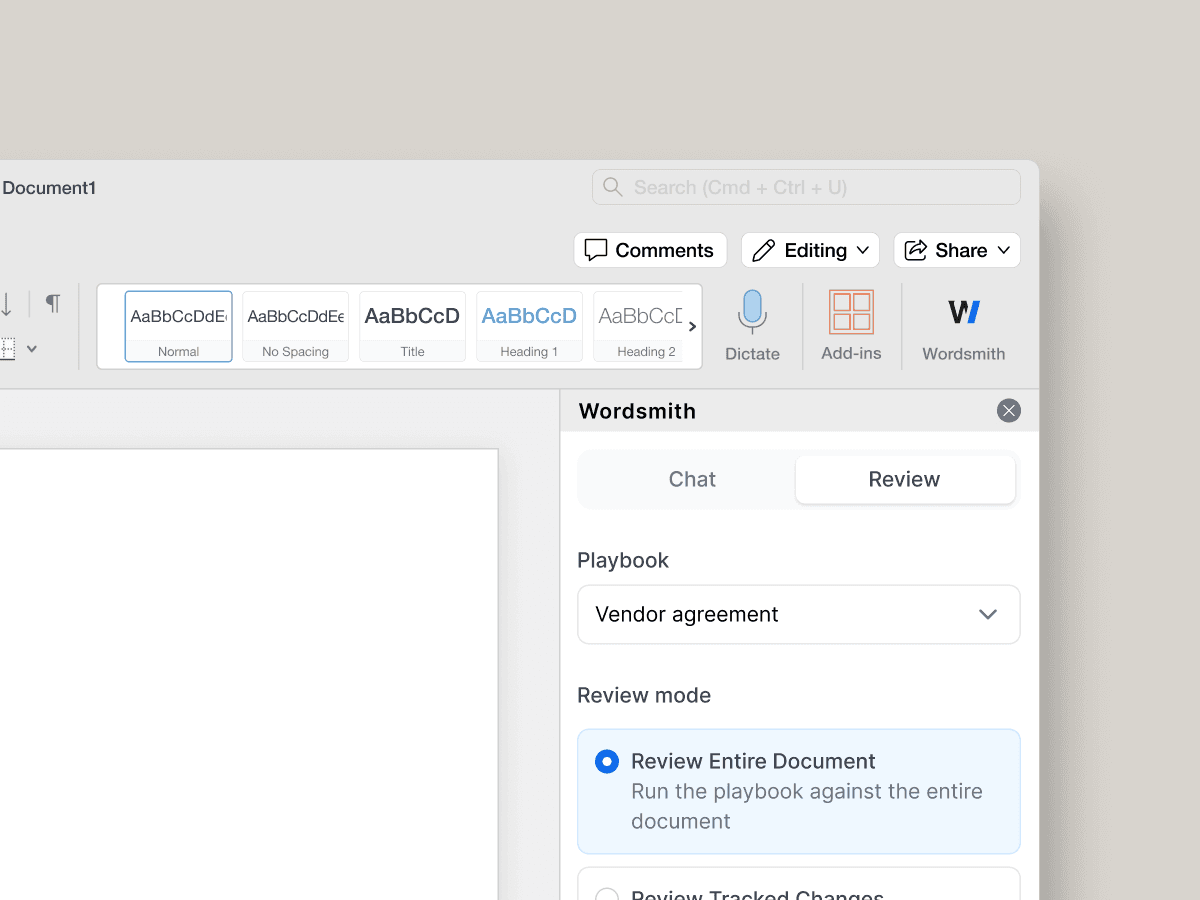
Review your contracts directly in Word
Apply your saved Playbooks to any document inside Word. Wordsmith AI flags issues, applies redlines, and guides reviewers without switching tools.
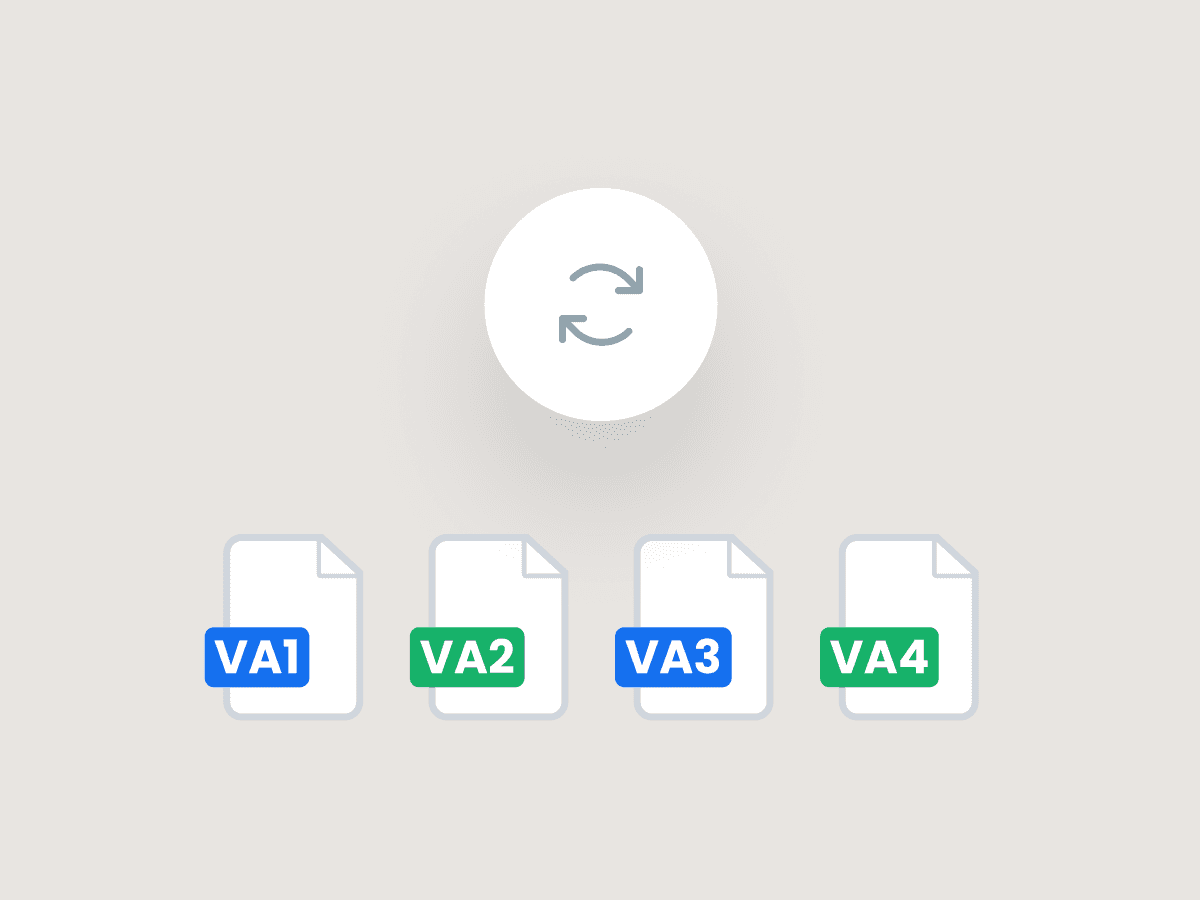
AI Powered Due Diligence & Document Analysis
Accelerate due diligence with our AI document review tool. Perform document analysis across multiple agreements in a single, automated legal workflow, saving valuable time and ensuring consistency.
Intelligent Contract Automation with Custom Playbooks
Leverage our contract automation to codify your firm's rules. Our AI contract review ensures every document follows the same standard, turning your playbooks into an automated, consistent legal workflow.
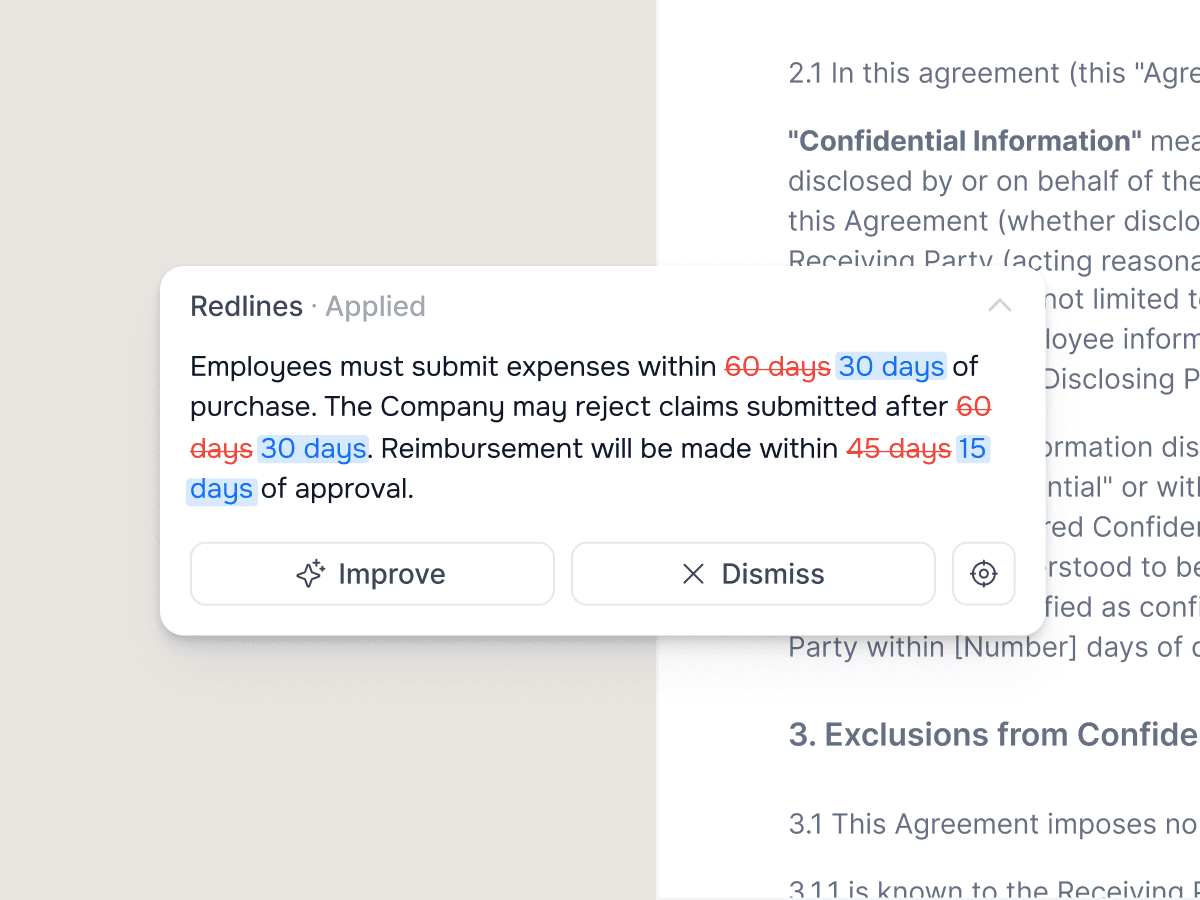
Automated Contract Negotiation & Redlining
Speed up contract negotiation with AI-powered redlining. Our legal AI platform goes beyond flagging issues, automatically applying your firm’s preferred redlines and fallback positions for faster, more consistent reviews.
"I'm continually amazed by the sophistication of Wordsmith AI. It's not just the technology that impresses, but also the support we've received."

Tara Haig
General Counsel, Multiverse
Built for every contract you face
Apply playbooks to NDAs, SaaS agreements, DPAs
Clause‑Level Redlining
Automatically spot and revise high-risk clauses, from idemnities to exclusivity, with lawyer grade AI that explains every change
DPA
Review data processing agreements with AI that flags risks and ensures proper handling of personal data
SaaS Vendor Agreements
Check terms for software access and services, with AI highlighting gaps against your standard position
Terms of Service
Streamline review of customer or supplier terms, flagging risky clauses and aligning them with your policies
Recruitment Services Agreement
Standardise hiring support contracts with AI-driven redlines tailored to your firm's preferred positions
Supplier Agreements
Ensure supplier terms meet your policies, with risks and obligations clearly highlighted
BOOK A DEMO
Ready to transform your
legal department?
See how the world's leading legal teams are building the future of in-house legal.

Frequently asked questions
What makes Wordsmith a good Harvey alternative
How does your AI contract review software handle different document types?
Can I get a free consultation for your legal contract review services?
What happens after a review?
Can I run Playbooks inside Word?
What agreement types are supported?
How can I create a custom playbook?
How can I collaborate with someone on a Playbook/ can someone else edit a playbook I created?
How do I review online terms? Or a link to terms hosted online?
Can someone see the reviews I have performed?

Trusted by world-class partners and in-house teams:

“Just three chat sessions with Wordsmith saved $177,000 in external counsel spend"
Senior Corporate Counsel at 30,000 employee global manufacturing company
Features
Review your contracts directly in Word
Apply your saved Playbooks to any document inside Word. Wordsmith AI flags issues, applies redlines, and guides reviewers without switching tools.
Custom Playbooks, applied automatically
Codify your firm's rules, fallback positions, and reviewer guidance with Playbooks. Mirror your existing contracts and approval criteria, or build custom playbooks with our legal engineering team of qualified lawyers. Every review follows the same standard, consistently and quickly.
"I'm continually amazed by the sophistication of Wordsmith AI. It's not just the technology that impresses, but also the support we've received."
Tara Haig
General Counsel, Multiverse
Built for every contract you face
Apply playbooks to NDAs, SaaS agreements, DPAs
Clause‑Level Redlining
Automatically spot and revise high-risk clauses, from idemnities to exclusivity, with lawyer grade AI that explains every change
DPA
Review data processing agreements with AI that flags risks and ensures proper handling of personal data
SaaS Vendor Agreements
Check terms for software access and services, with AI highlighting gaps against your standard position
Terms of Service
Streamline review of customer or supplier terms, flagging risky clauses and aligning them with your policies
Recruitment Services Agreement
Standardise hiring support contracts with AI-driven redlines tailored to your firm's preferred positions
Supplier Agreements
Ensure supplier terms meet your policies, with risks and obligations clearly highlighted
Frequently asked questions
How does Wordsmith actually review multiple documents at once?
What makes this different from Word plug-ins or other legal tech tools?
How quickly does Wordsmith actually provide reviews?
Can Wordsmith handle different types of procurement agreements?
What channels can we use to submit documents for review?
Do we need to change our existing procurement workflows?
Frequently asked questions
How does Wordsmith actually review multiple documents at once?
What makes this different from Word plug-ins or other legal tech tools?
How quickly does Wordsmith actually provide reviews?
Can Wordsmith handle different types of procurement agreements?
What channels can we use to submit documents for review?
Do we need to change our existing procurement workflows?

Copyright © 2026 Wordsmith AI. All rights reserved. WORDSMITH is a registered trade mark of Wordsmith Law LLP and is used under licence.
Copyright © 2026 Wordsmith AI. All rights reserved. WORDSMITH is a registered trade mark of Wordsmith Law LLP and is used under licence.